


 Day & Night Blinds
 Blackout Blinds
 Standard Blinds
 Standard Pleated Blinds
 Blackout Pleated Blinds
 Honeycomb Pleated Blinds
 Custom Roof Blinds

Home office without tired eyes – how can you improve comfort while working at a computer?
How remote work affects your eyes
For many people, remote work has become part of everyday life. We increasingly spend long hours in front of the computer, so it is worth caring not only about working comfort, but also about the comfort of our eyes.
When you work at a screen, your eyes are under heavy strain. We blink less often, stare at a single point for a long time, and overly bright light, reflections on the monitor, dry air or a poorly positioned screen can cause burning, watering, dry eyes and trouble concentrating.
That is exactly why it is worth taking a closer look at your workstation and checking whether your home office really supports comfortable work at the computer. Just a few simple changes can make your eyes less tired and your daily work more pleasant.

How to improve your comfort in a home office?
The good news is that you can improve comfort at the computer without major changes or complicated solutions. Sometimes it is enough to look at your home workstation differently and notice things that seem unimportant day to day, yet strongly affect your eyes after a few hours in front of the screen.
It is worth approaching your workspace as a whole: paying attention not only to the desk and computer, but also to the light, the surroundings and your daily habits. It is precisely the small details that are easy to overlook that can have a big impact on how you feel after several hours of screen work.
A well-arranged home office should support concentration while not tiring the eyes or causing discomfort. In the next sections we will show simple ways to take better care of your eyes while working from home.
Setting up your computer, monitor and desk
When working remotely, it is easy to give in to the temptation of working from bed or the sofa. It may feel comfortable for a while, but after a few hours your spine, neck and eyes pay the price. A poorly positioned screen makes us tilt our head more often, tense the neck or squint to see the content on the monitor better.
That is why it is worth setting up a stable place to work. The monitor is best placed roughly at eye level and at a distance where looking at the screen feels natural, without constantly leaning forward. The desk should be positioned so that light does not reflect directly off the screen or shine straight into your eyes.
Even a well-prepared workstation, however, cannot replace rest for your eyes. The eyes need short breaks from the screen, which are another important element of remote work.
Micro-breaks and looking at greenery
While working at the computer, it is worth regularly taking your eyes off the screen. A good habit is to look out the window, into the distance or at a larger area of the room so your eyes can rest for a moment. Conscious blinking also helps, because at the screen we do it less often, which makes the eyes become dry and tired faster.
You can also try the Pomodoro technique. Its name comes from a tomato-shaped kitchen timer used by the method's creator. Classically, it involves working in blocks of 25 minutes with short breaks in between. This rhythm will not suit everyone, but it is worth trying and adjusting to your own needs.
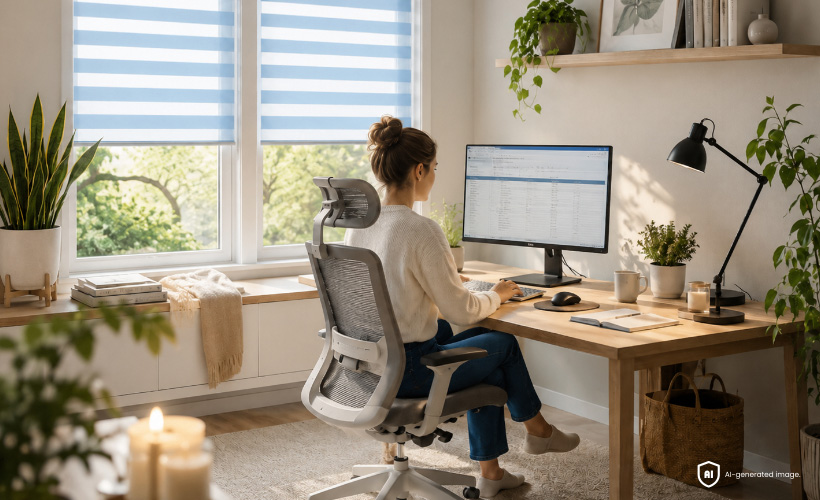
Placing plants near your desk is also a good idea. Greenery has a calming effect, helps you take your eyes off the monitor for a moment and makes the home office feel more pleasant. Some plants can also support a better indoor microclimate, which further improves your working comfort.
The right conditions in the room
Comfort in a home office depends not only on the desk and computer, but also on the conditions in the whole room. It is worth airing the room regularly to ensure a supply of fresh air and avoid feeling sleepy or heavy while working. The right air humidity also matters - air that is too dry can intensify the feeling of dry, burning eyes.
During the heating season you might consider an air humidifier, although it is not always necessary. Sometimes it is enough to air the room more often, control the temperature and care for a pleasant microclimate. Plants can also help improve air quality, supporting natural filtration and making the space feel friendlier.
It is also good to keep water within reach, but best placed at a safe distance from the computer and documents. A comfortable home office also means order at the workstation - fewer distractions on the desk make it easier to focus and make the work calmer.
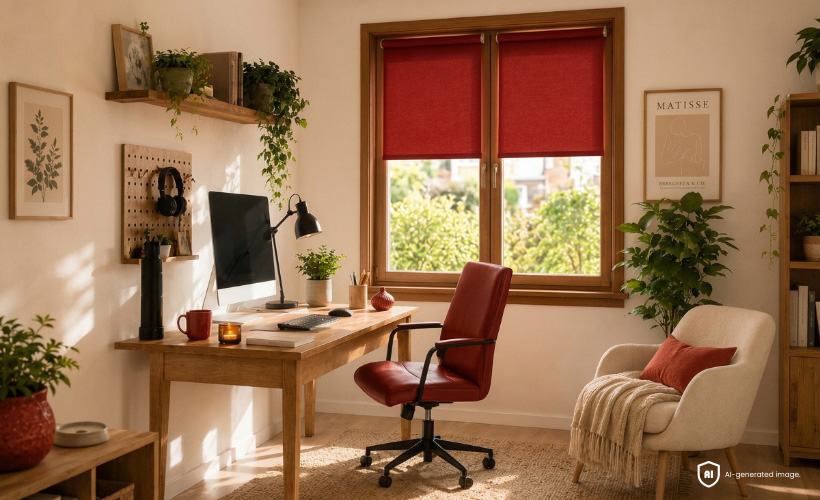
Extra support for your eyes
If you work a lot in front of a screen, you can think about extra support for your eyes. A popular solution is computer glasses, for example with a blue light filter, an anti-reflective coating or lenses that reduce glare.
During long work at the computer, moisturising drops can also help. At the screen we blink less often, which makes the eyes dry out, sting or grow tired faster. Drops - so-called artificial tears - can ease the feeling of dryness and improve comfort throughout the day.
Light in the office - why does it matter?
Light has a big impact on comfort when working at the computer. If there is too little of it, the eyes tire faster and reading text on the screen becomes less comfortable. Light that is too strong, in turn, can reflect off the monitor, dazzle the eyes and make it harder to focus.
In a home office, it is important to find a balance between natural and artificial light. The room should be well lit, but it should not dazzle or cause reflections on the screen. Well-designed lighting improves the readability of the monitor, reduces eye strain and helps create more comfortable working conditions. That is why it is worth caring both about suitable lamps and about controlling the light coming in through the window.
Artificial lighting matters too
In a home office, choosing the right artificial lighting is very important. A desk lamp works best, one you can point at the desktop, documents or keyboard, but not directly at the screen. The light should be pleasant, even and strong enough that you do not have to squint while working.
It is worth avoiding working solely by the light of the monitor, especially in the evening, because the strong contrast between the screen and a dark room tires the eyes faster. A well-chosen lamp helps create calmer, more comfortable working conditions.
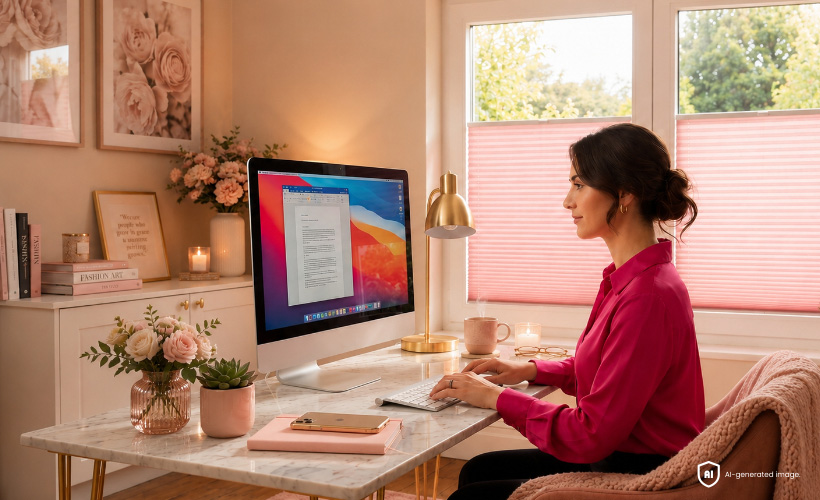
Once the artificial lighting is well chosen, it is worth taking care of the light coming in through the window too, because it is this light that most often causes reflections on the screen and changing working conditions throughout the day.
Day and night blinds - a hit for the home office
In a home office, day and night blinds work really well. Their characteristic alternating bands of fabric let you adjust the amount of light depending on the time of day and the position of the sun. You can dim the window more strongly or limit the light only partially, so the room stays bright while the computer screen remains readable.


This is a practical solution especially when we work by the window or in a room that gets a lot of sun. Day and night blinds, also known as zebra blinds, help reduce reflections on the monitor, improve working comfort and let you quickly adjust the cover to current conditions. Many models can be fitted without drilling, which is convenient, particularly in a rented flat.
An added benefit is privacy. This matters especially in ground-floor offices or in rooms facing the street, where it is easy to feel watched. Day and night blinds screen the interior while not having to cut it off completely from natural light. A wide choice of colours also makes it easy to match them to the décor of your home office.
Pleated blinds - precise light control in the home office
Pleated blinds are a very practical solution for a home office, especially when you want to cover only a chosen part of the window. You can set them from the top, from the bottom or cover the whole window, which makes it easy to adjust the amount of light to the current time of day and position of the sun. This is a big advantage when working at the computer, when even a small ray of light can reflect off the screen and make it harder to focus.


A wide choice of colours lets you match pleated blinds to the style of your home office. Lighter fabrics gently diffuse the light and work well in smaller rooms, where you want a subtle effect and a visual enlargement of the space. Darker colours such as graphite, anthracite or brown can be a better choice for strongly sunlit windows, especially on the south or west side.
It is also worth considering blackout pleated blinds or honeycomb blinds. Blackout blinds limit the inflow of light better in a strongly sunlit office, while honeycomb blinds improve window insulation thanks to their cellular structure. Many models can be fitted without drilling, which makes it easy to change the arrangement quickly and improve working comfort.
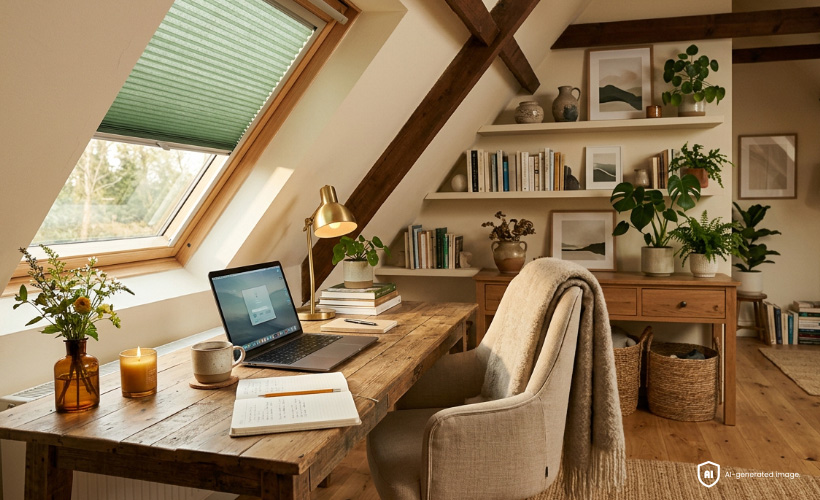
An attic office? No problem.
A home office in the attic can be comfortable too, even if light comes through the roof windows at a different angle than in a standard room. In such a space, skylight blinds work well, helping to limit harsh sun and improve comfort when working at the computer. They are available in many colours, so you can match them to the style of the office and the whole attic arrangement. This is a practical solution both for classic roof windows and for Velux windows fitted to a specific model.
An eye-friendly home office
A home office without tired eyes is above all a well-prepared workstation. It is worth taking care of the right monitor position, regular breaks, eye moisturising, comfortable lighting and control over the light coming in through the window.
You do not have to make major changes to improve comfort when working at the computer. Sometimes it is enough to move the desk, add a lamp, tidy the space or fit roller blinds or pleated blinds. Such simple solutions help reduce eye strain and create a home office where it is easier to work all day long.
-
 Tips & SolutionsA frustrating home – 7 things that waste your time every day. What can you do about them?30 September 2026 r.
 -
 Tips & SolutionsHow can you design a school space to provide students with comfortable learning conditions?25 September 2026 r.
 -
 Design & StyleAutumn interior makeover – how to create a cosy atmosphere without a major renovation?23 September 2026 r.
 -
 Tips & SolutionsWindow above the sink – which window coverings work well in the kitchen?21 September 2026 r.


